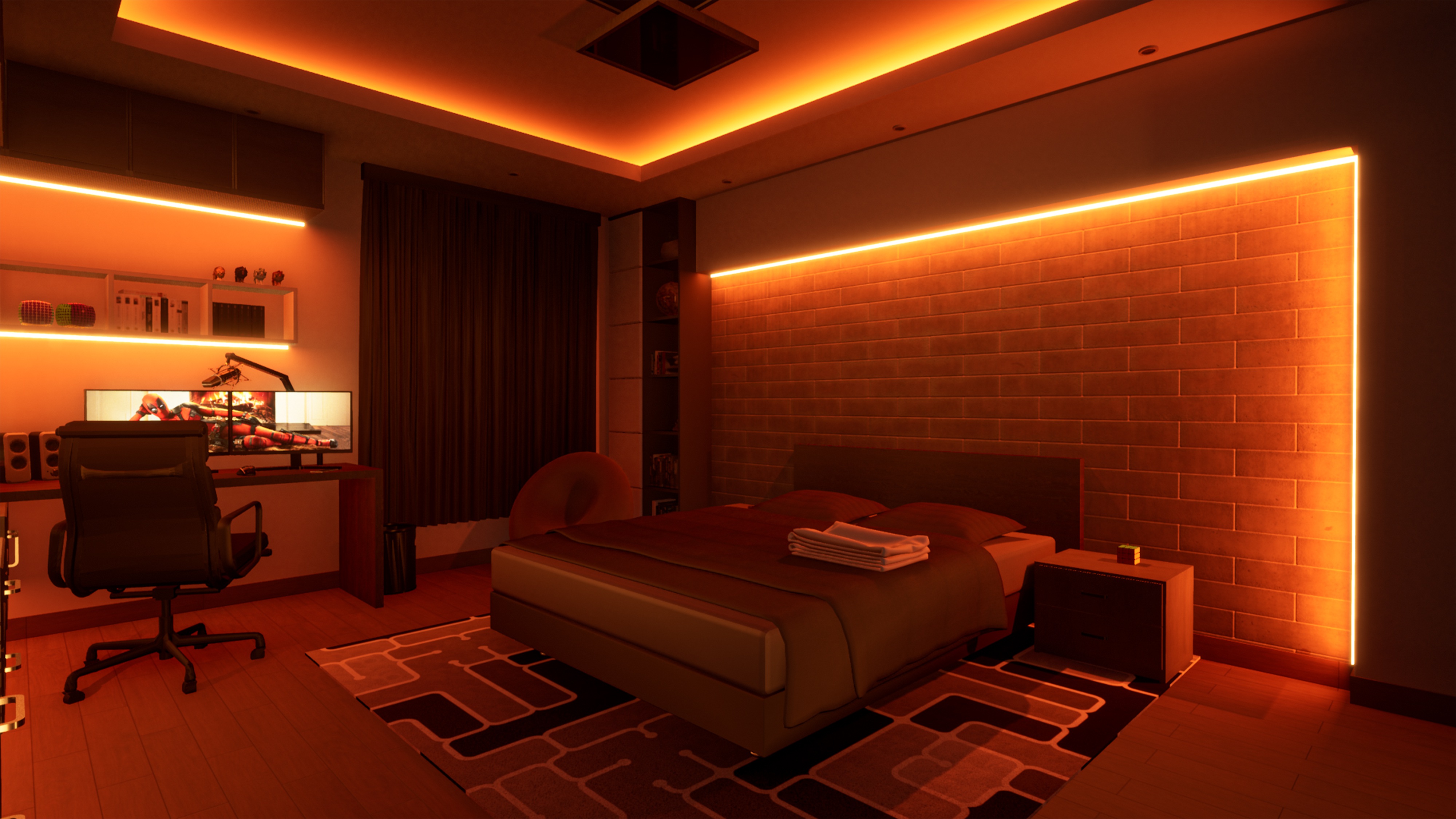

Let’s face it, working from home isn’t going away anytime soon, and having some reliable tech gear can really take your setup from basic to efficient. With virtual meetings happening all the time, juggling tasks, and trying not to lose track of everything on your plate, a few key gadgets can make your day way smoother. If you want your home office to feel more professional and less chaotic, these accessories are honestly must-haves.
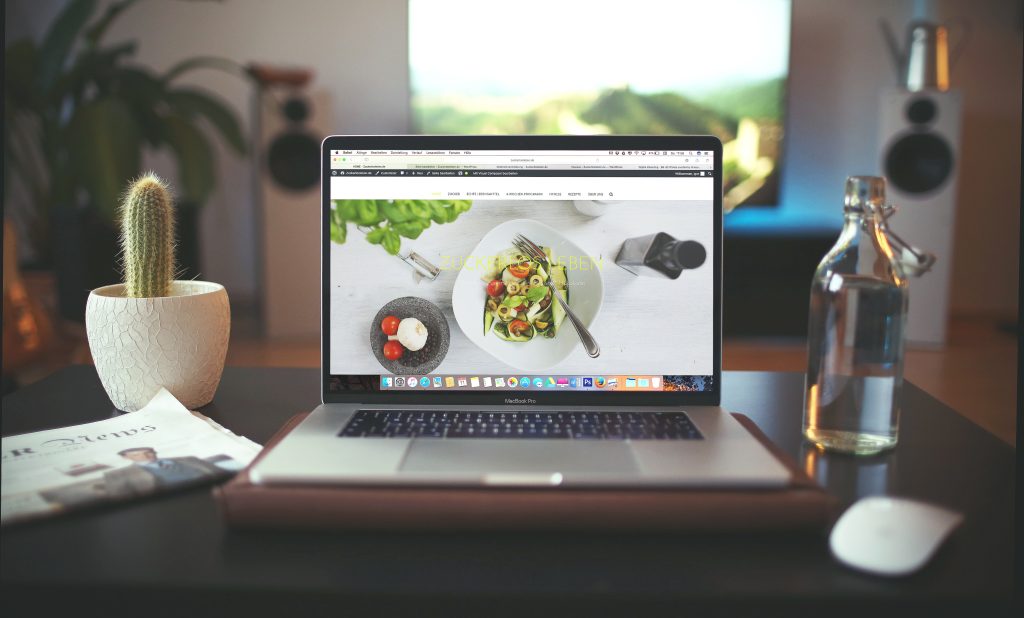
Essential Accessories for Comfort and Productivity
Ergonomic Wireless Mouse
Staring at a screen for hours can really do a number on your wrist and hand. A good wireless mouse makes a difference,it cuts down on fatigue and keeps your desk free from tangled cords.
If you’re looking for a solid pick, go with the Logitech M235 Wireless Mouse. It’s light, quick to respond, and feels great during long work sessions. The ergonomic shape helps your hand stay comfortable, no matter how long you’re at your computer.
Comfortable Keyboard
Let’s face it, typing all day can get tiring if your keyboard isn’t built for comfort. Mechanical keyboards make every keypress satisfying, while membrane ones are quieter and easier on your wallet.
If you need something reliable, the HP Wireless Keyboard K350 is worth checking out. It’s slim, simple to set up, and easy to pick up and move. Plus, it keeps your desk looking neat and works well no matter what your setup is.
Noise-Cancelling Headphones
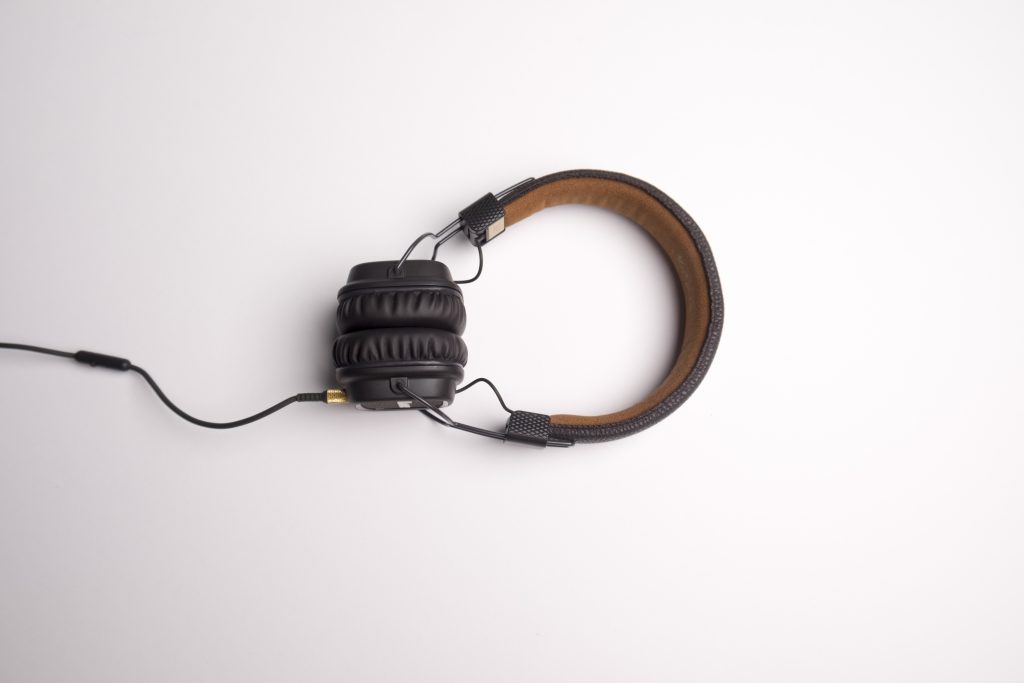
Home can be noisy, and that’s a problem when you’re trying to focus or hop on video calls. Noise-cancelling headphones really cut out background chatter and make everything you hear clearer.
The Sony WH-CH720N Noise Cancelling Headphones check all the boxes, they’re comfortable, built to last, and the battery just keeps going. Whether it’s a meeting or heads-down work, you’ll stay locked in and not miss a beat.
Accessories That Make Your Workspace Better
External Webcam
Let’s be honest—laptop webcams usually produce grainy, dull video. If you’re on a call or teaching a class online, that’s not a great look. An external webcam gives you crisp, clear video and instantly upgrades your setup.
The Logitech C270 HD Webcam is super simple to use. Just plug it in, and you’re good to go. Your meetings, webinars, and online classes will look much more professional.
Laptop Stand
If you work on a laptop all day, you know the struggle. Hunched shoulders, stiff neck—it adds up. A laptop stand lifts your screen and puts it right at eye level, so you sit straighter and feel better. Plus, your computer gets more airflow and stays cool.
The Amazonbasic Adjustable Laptop Stand is light, easy to tweak for your height, and fits almost any laptop. It makes working from home way more comfortable.
Portable SSD Drive
You need your files safe and handy, not stuck on a slow drive. A portable SSD does the trick: it’s fast, tough, and won’t weigh you down.
The SAMSUNG T7 Portable SSD 1TB is speedy and secure. Use it to backup your work or transfer big files in a blink. Easy.
USB Hub
Laptops never have enough USB ports. It gets annoying real fast when you want to plug in your mouse, keyboard, and external drive. A USB hub fixes that ,just plug it in, and you’ve got room for everything.
The Anker 4-Port USB 3.0 Hub is small, dependable, and keeps all your gear connected and tidy. No more juggling ports or unplugging devices.
Bonus Tip: Upgrade Your Router
A solid internet connection keeps your workday running smoothly, and a good router makes all the difference. You get faster Wi-Fi, fewer glitches on video calls, and all your devices stay connected without any headaches.
The TP-Link Archer C6 is a great pick , it’s budget-friendly, handles high speeds, and covers a typical home without any fuss.
Conclusion
Bringing the right gear into your home office isn’t rocket science. A few smart choices , an ergonomic mouse, a comfy keyboard, noise-cancelling headphones, a portable SSD can make a huge difference in how you work and feel.
When you invest in solid tools, you’re not just making work easier. You’re setting up a space that feels more professional and keeps you on track.
Ready to give your workspace a boost? Check out the links above on Amazon and start creating your ideal work-from-home setup today!